

Sharing is more meaningful when it’s with others.
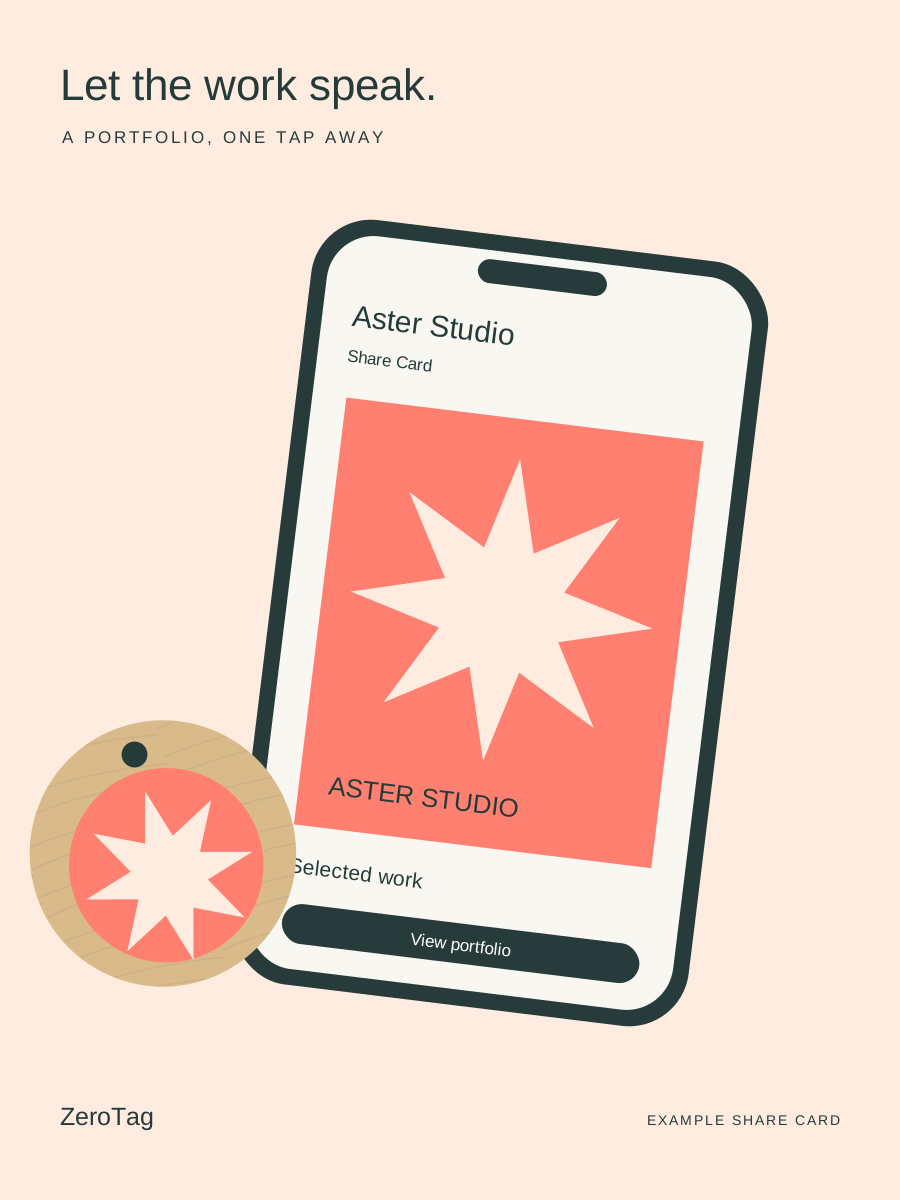
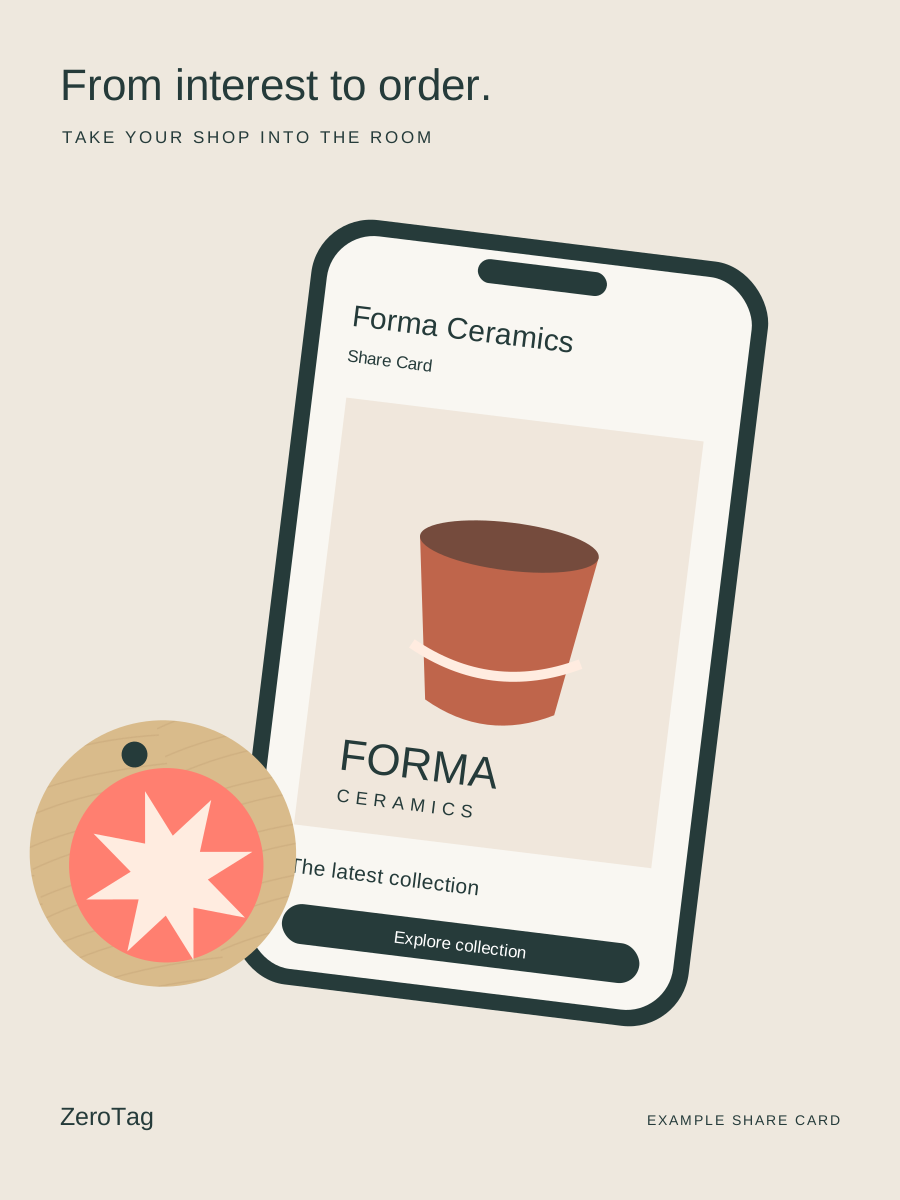
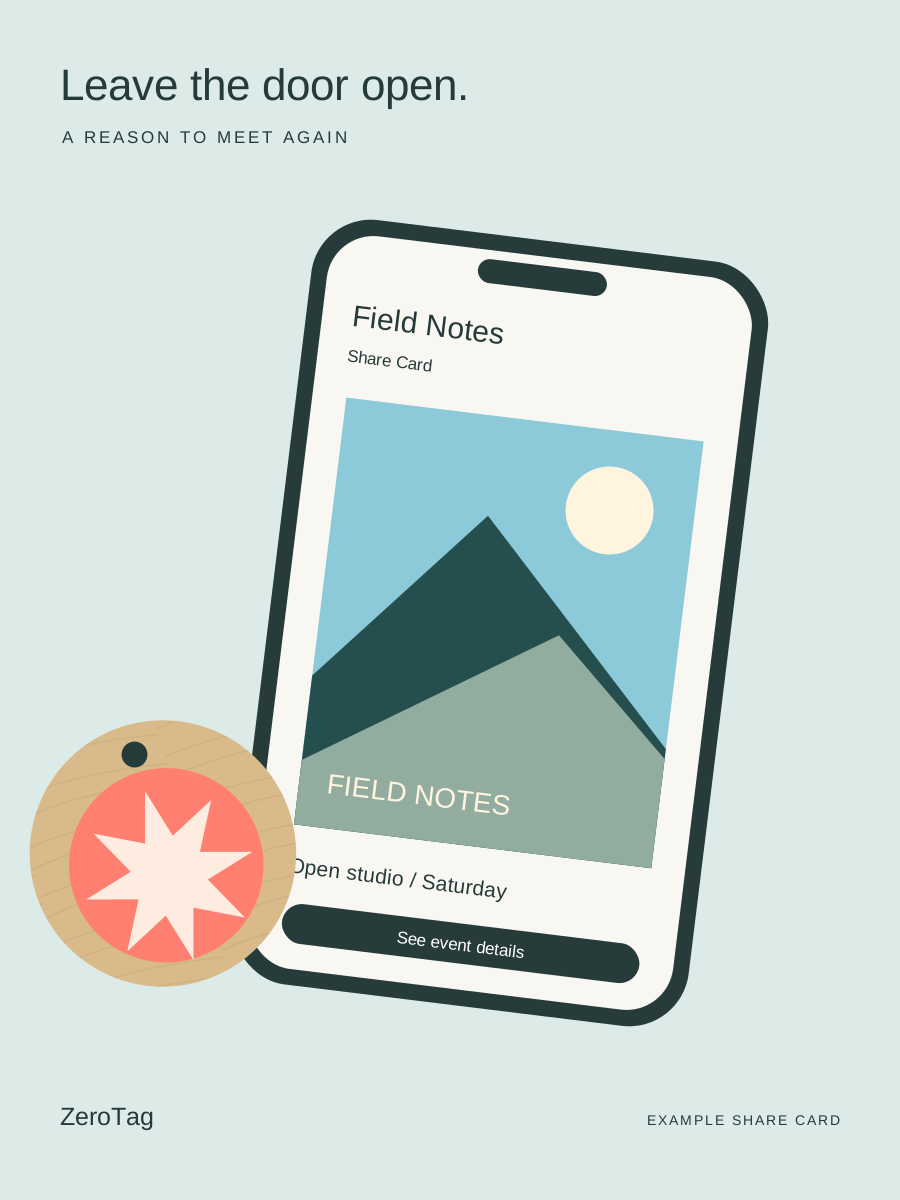
A tap-to-share Card that shows what you do.
Design Your ZeroTag
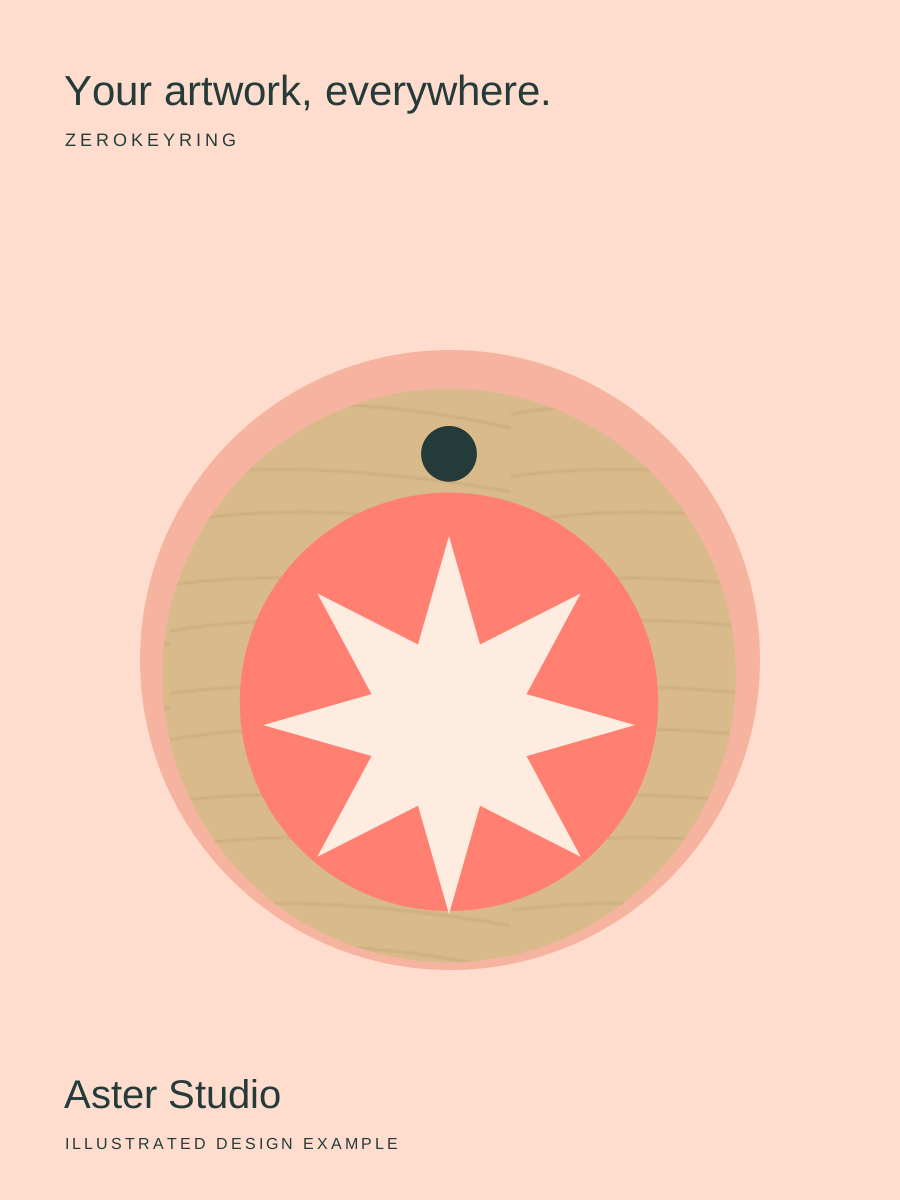
Custom artwork orders are paused for a short while. Email us and we’ll help you make yours, or shop ready-made ZeroTags in our store.
How to Tap
Everything at a glance.
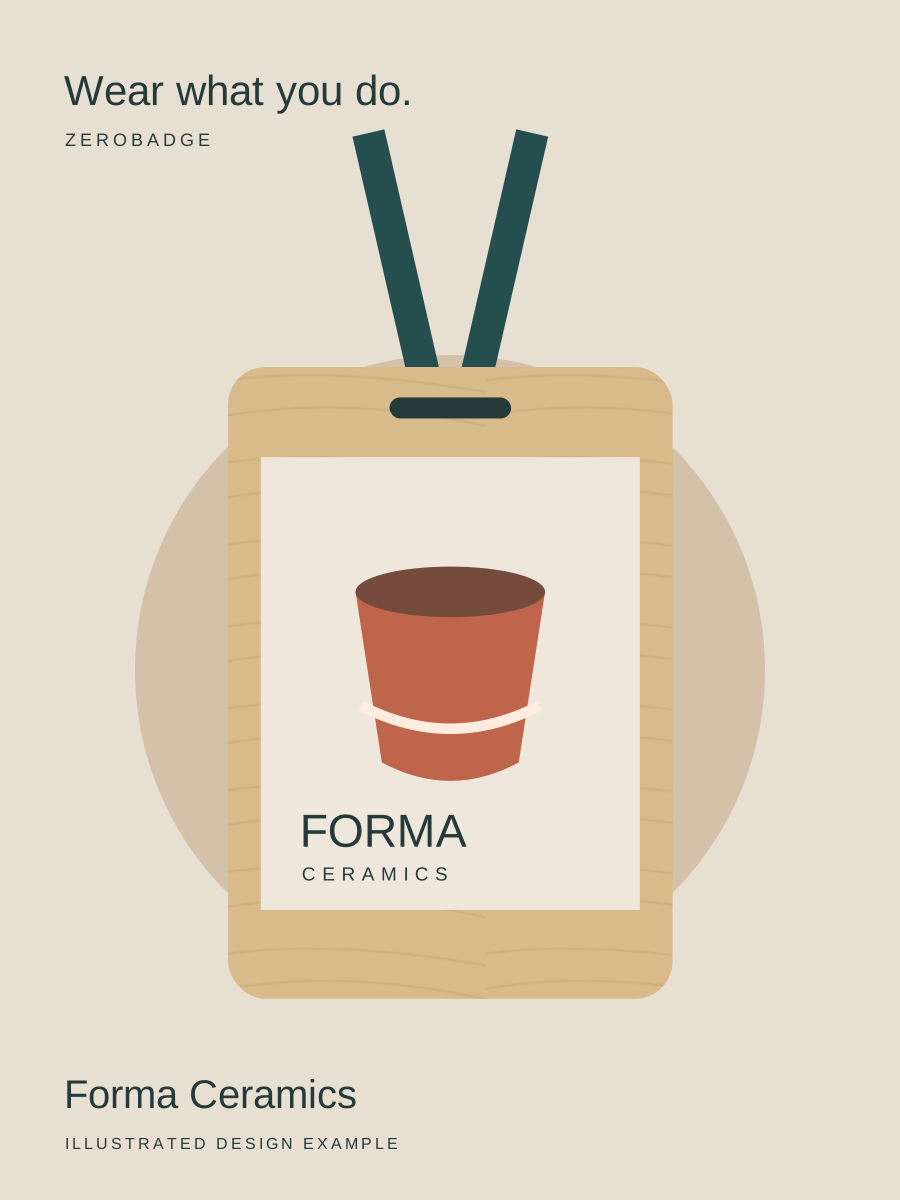
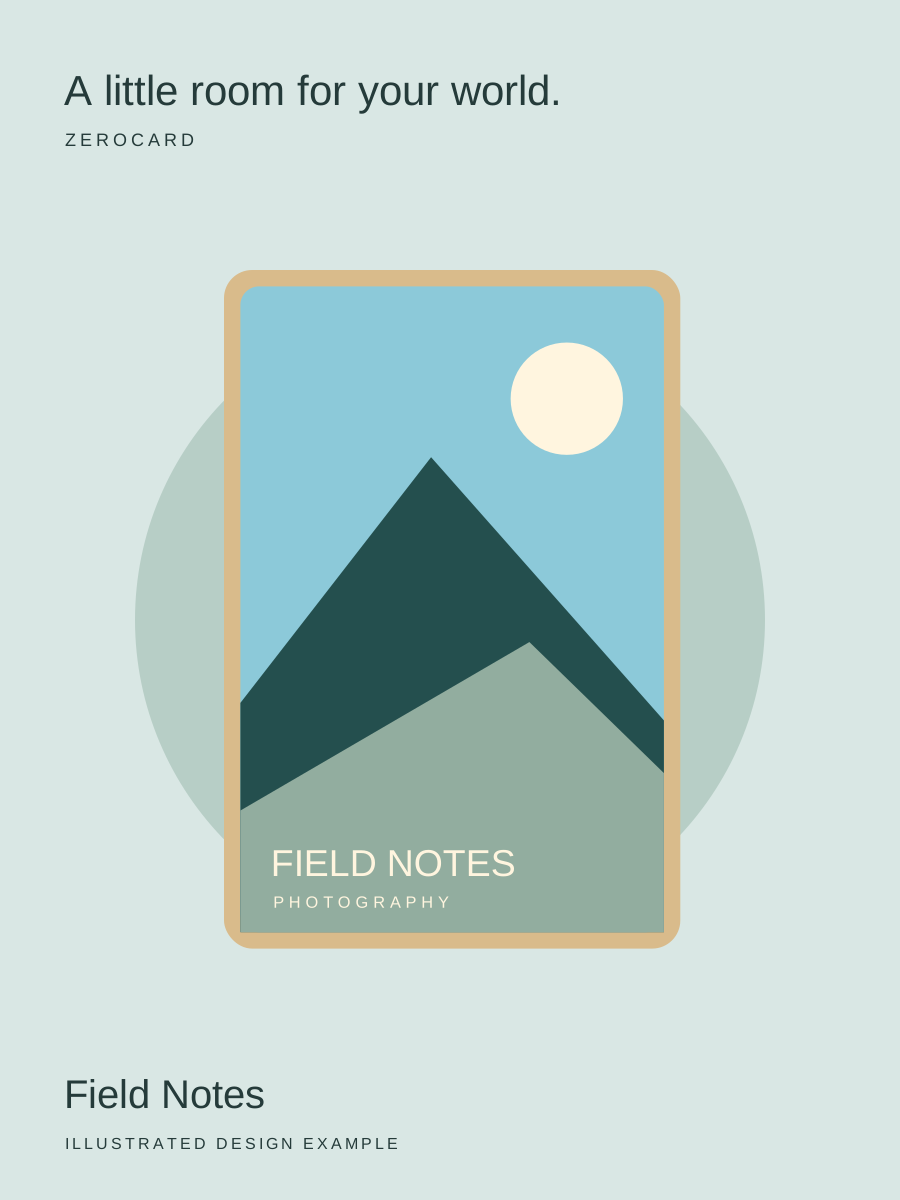
Made in Australia from Queensland Hoop Pine.

Frequently Asked Questions
What is a Share Card?
Think of it as a little home for what you do. Your Share Card brings your links together on one page, ready to share through your ZeroTag. Create and edit it in the app, and choose what to share with the person in front of you.
Does the receiver need an app?
Nope. No download detour. They tap your ZeroTag with their phone, tap the notification, and your Share Card opens in their usual browser. Back to the conversation you go.
Which phones work with ZeroTag?
iPhone XS, XR and newer are good to go. Most Android phones with NFC work too. Check your model’s specs and make sure NFC is switched on—that little setting is easy to miss.
Can I change what my tags share?
Absolutely. New work? New links? New chapter? Update your Share Card in the app and your existing ZeroTag opens the updated page. No need to start collecting replacement tags.
Can I customise my ZeroTag?
Absolutely. Your logo, your artwork, that doodle you’re oddly proud of. Online artwork orders are paused for a short while, so email support@zerotag.au and we’ll help you order a ZeroTag with your own artwork.
How much does a ZeroTag cost?
That depends on your pick: ZeroCard, ZeroKeyring or ZeroBadge. You’ll find the current prices in the ZeroTag store. Share Card included · no subscription.